
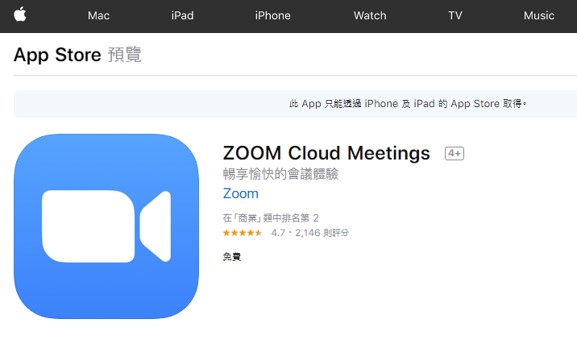
iOS Installation Link:
https://apps.apple.com/tw/app/zoom-cloud-meetings/id546505307
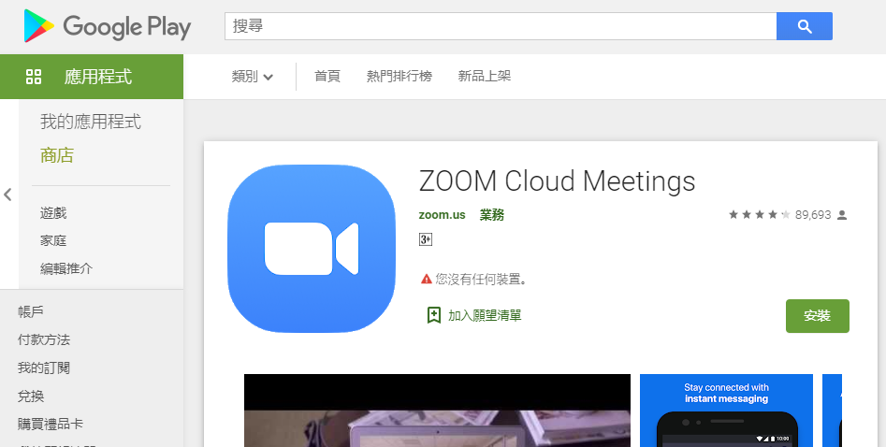
Android Installation Link:
https://play.google.com/store/apps/details?id=us.zoom.videomeetings&hl=zh_HK
The following steps use the Android version as an example:
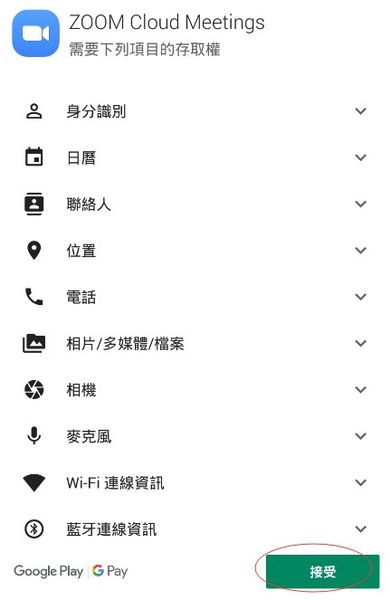
1.During installation, Zoom will request access permissions for certain device features. Please tap "Accept" (or "Allow").
2.Tap the Zoom icon on your home screen to open the app.

3.You do not need to register an account to attend online classes. Simply tap "Join a Meeting".

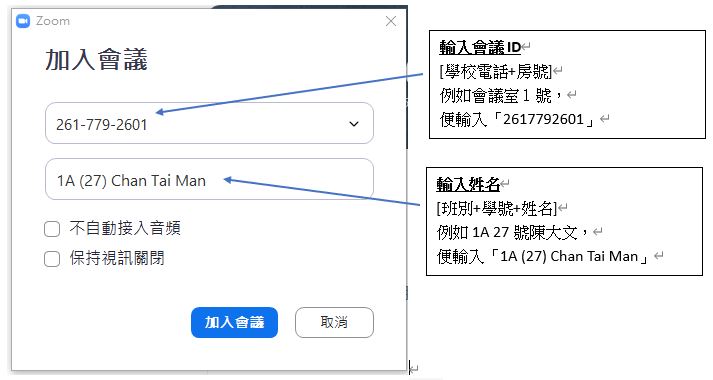
4.Enter the "Meeting ID" and your "Name".
5. After entering the meeting room, tap "Join Audio" at the bottom left corner, then select "WiFi or Cellular Data" (or "Call over Internet") to enable the sound.