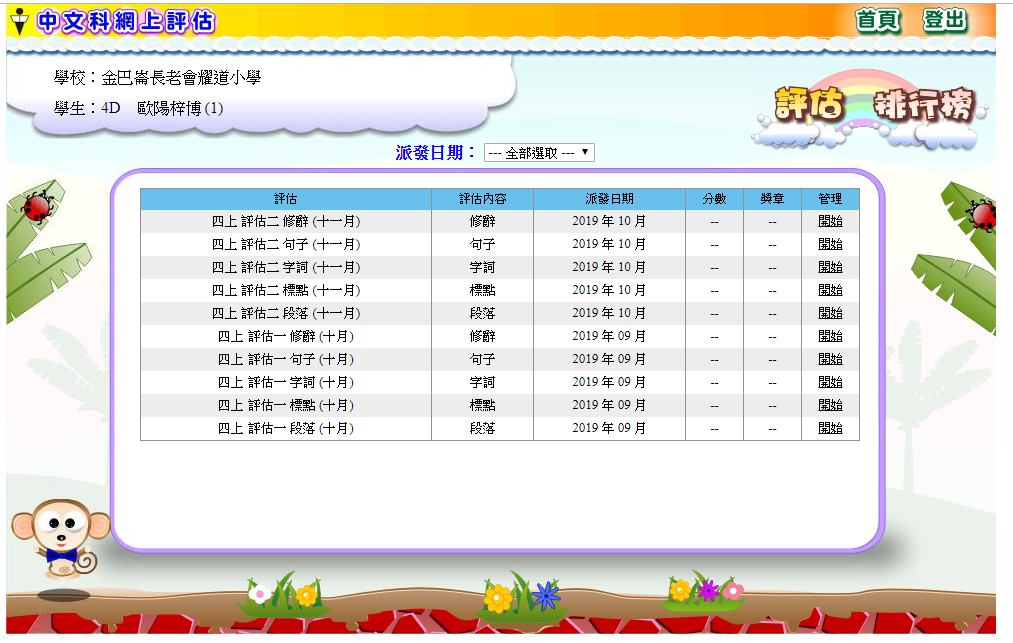
Chinese Subject: Happy Reading Garden and Online Assessment
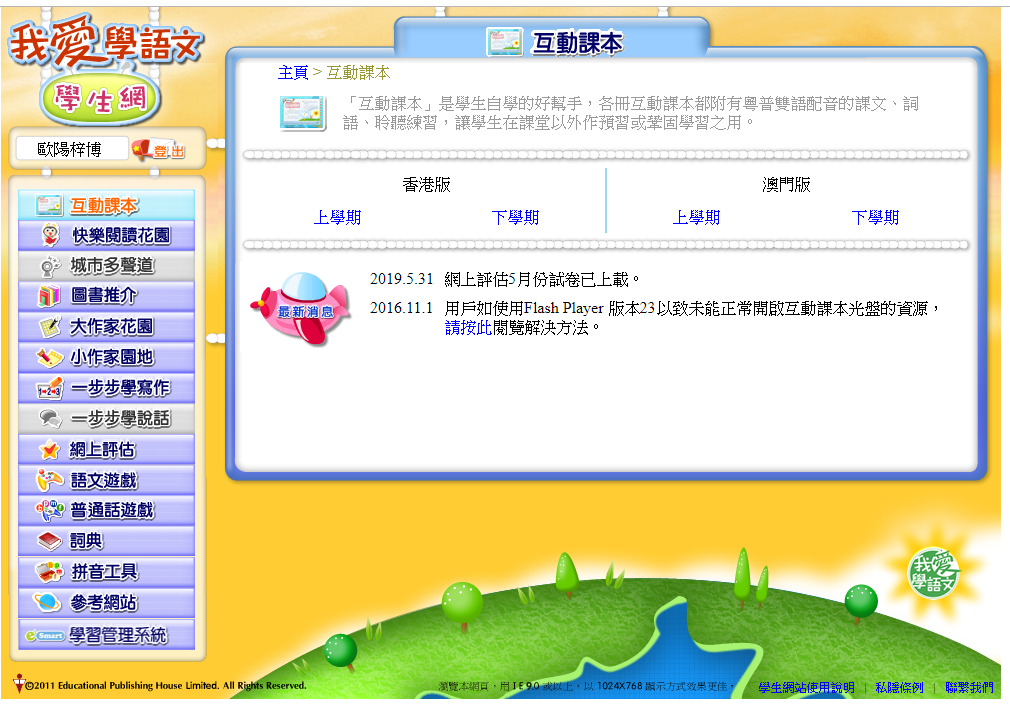
Logging into the "I Love Learning Chinese" Platform
- Go to the website:
https://ephchinese.ephhk.com/
- Under the "Student" (學生) section, enter the student's username and login password.

- Once logged in, you can open either the "Happy Reading Garden" (快樂閱讀花園) or the "Online Assessment" (網上評估) from this page.
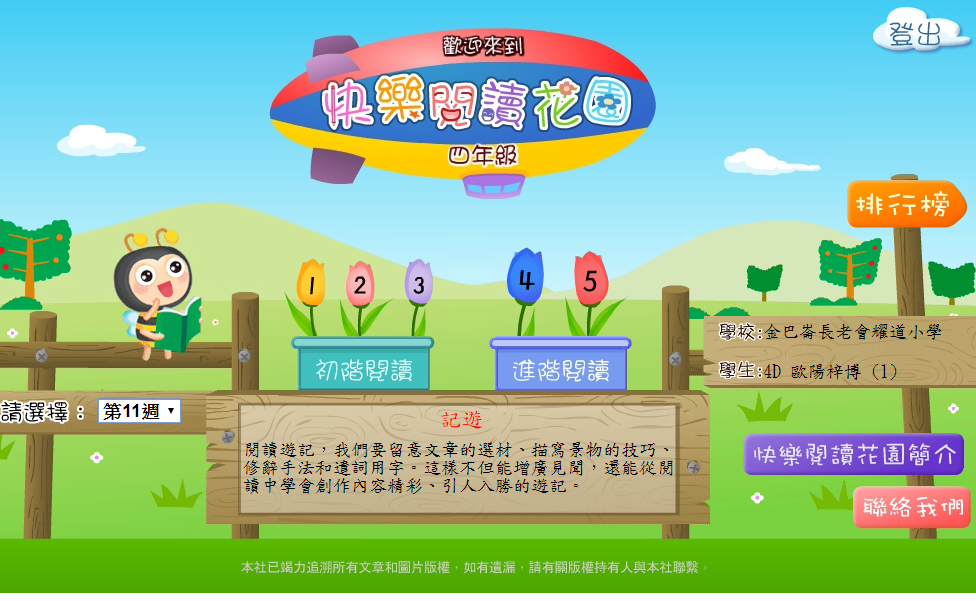
How to Use the Happy Reading Garden
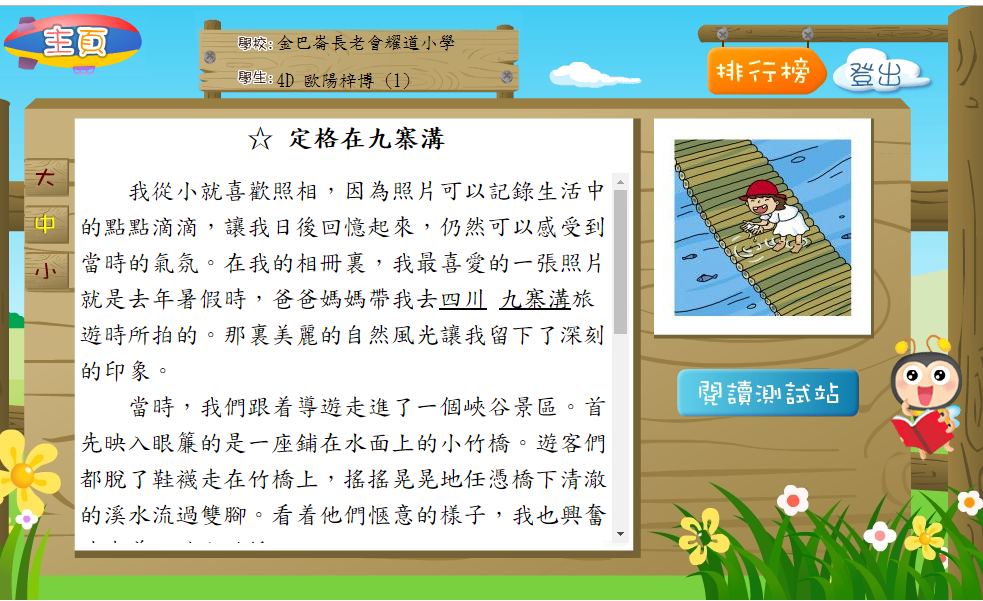
- Select the "Practice Week" (練習週次) assigned by the teacher.
2. Select the specific article assigned by the teacher.
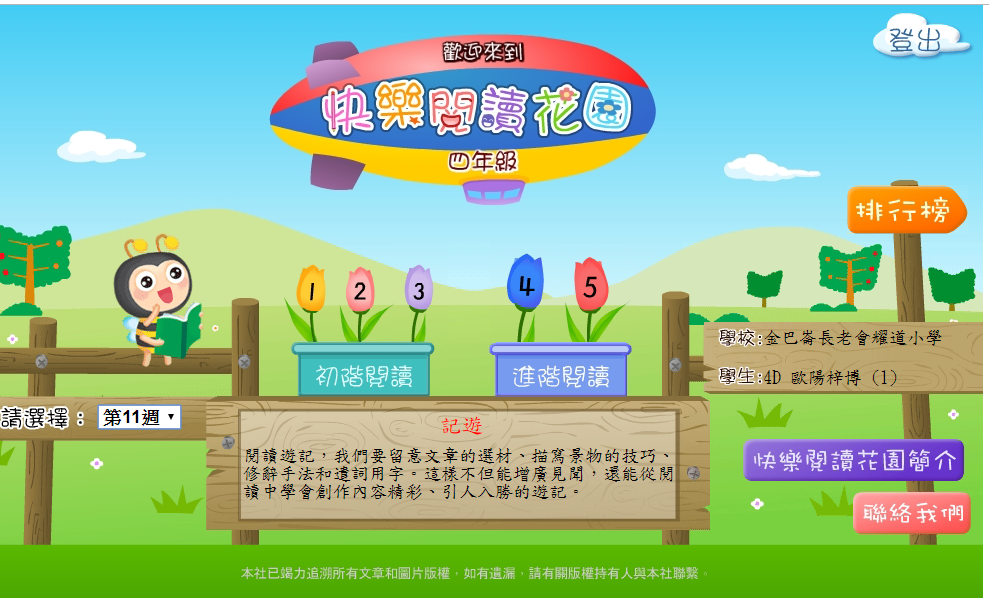
3. After reading the article, click on the "Reading Test Station" (閱讀測試站) to complete the related exercises.
How to Use the Chinese Online Assessment
- After accessing the online assessment section, click on "Chinese Online Assessment" (中文科網上評估).
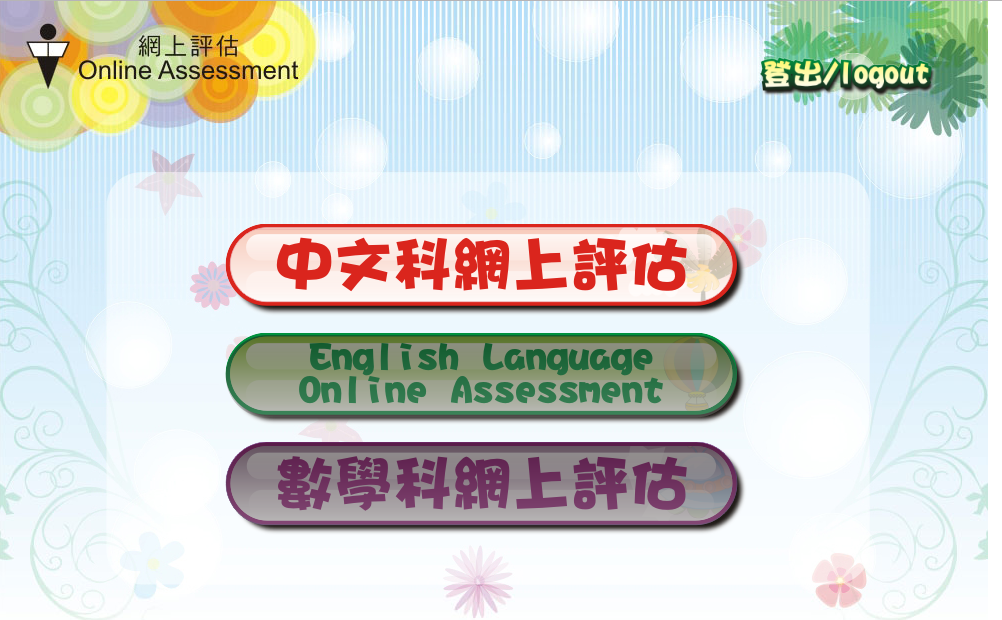
- Select and complete the exercises assigned by the teacher.