
Zoom is a cross-platform online meeting tool that supports operating systems including Windows, Mac, Android, and iOS. Both free and paid versions are available.
For Meeting Participants:
Desktop Version
To install Zoom, please visit https://zoom.us/download (no login is required). Simply enter the "Meeting ID" to connect and join the online meeting. Participants can interact during the session, such as using a highlighter to mark important information on a shared screen.
Installation and Joining Steps:
1.Go to https://zoom.us/download and click "Download".

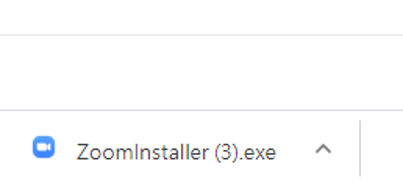
2.Double-click the downloaded .exe file (usually located at the bottom left of your browser) to begin the installation.
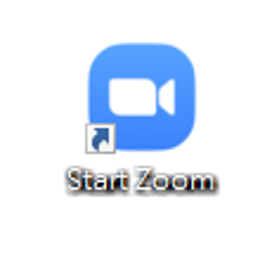
3.Once the installation is complete, click the Zoom icon on your desktop to launch the application.
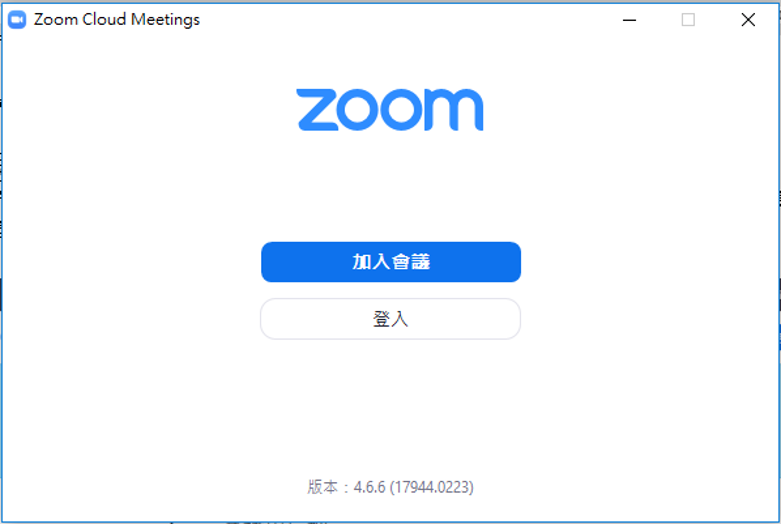
4.Click "Join a Meeting".
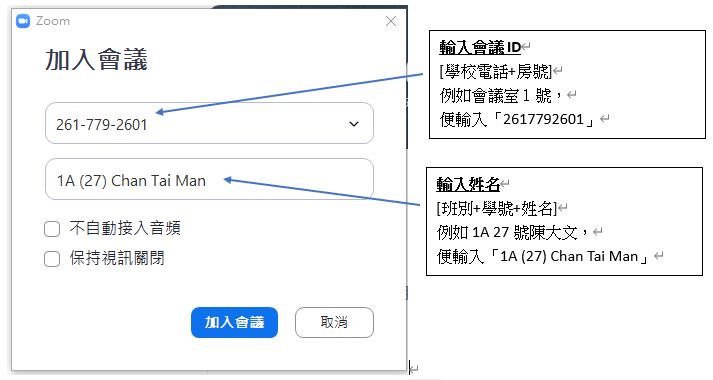
5.Enter the "Meeting ID" and your "Name".
6.Upon entering the meeting room, a toolbar with function buttons will appear at the bottom of the screen, indicating that you are ready to start the meeting.