Video Tutorial (YouTube) (Voice Navigation by Mr. Yiu Ho Lam)
全螢幕按此處[Click here for full screen]
Step-by-Step Instructions
https://4d.pan-lloyds.com/index.php
2. Enter your "Login Name" and "Password", then click "Login".
Login Name format: yds(Class)(Class Number)
(For example: The login name for Class 4D, Student No. 1 is yds4d01)
Password: aa1234
3. Select the subject.
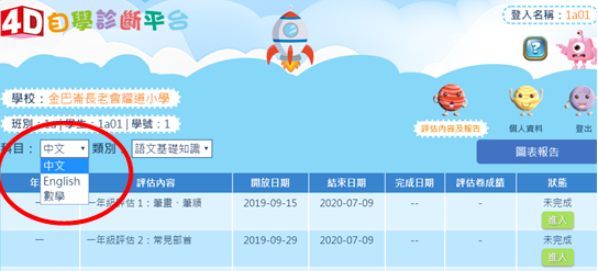
4.Select the exercise you need to complete from the tabs/pages.
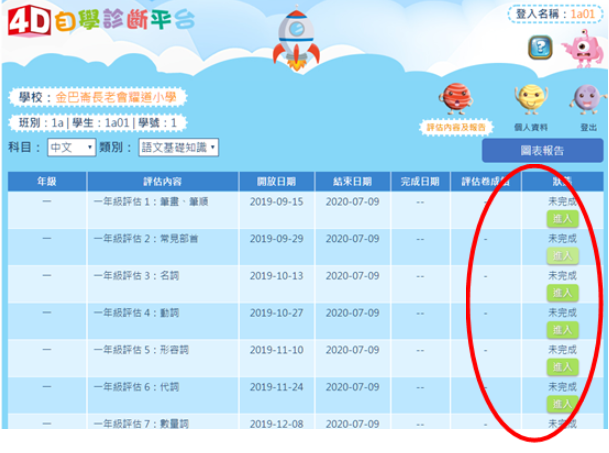
5.Click "Enter".
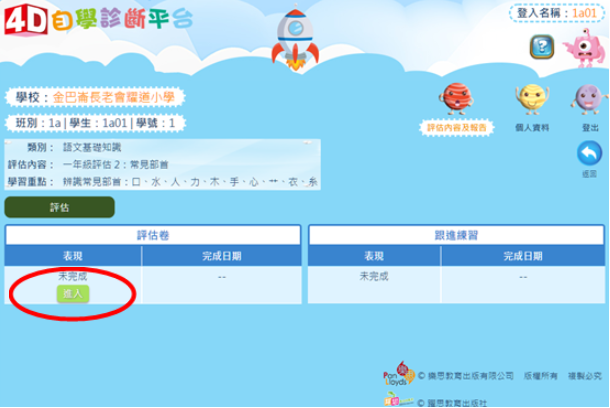
6. Click "Start".
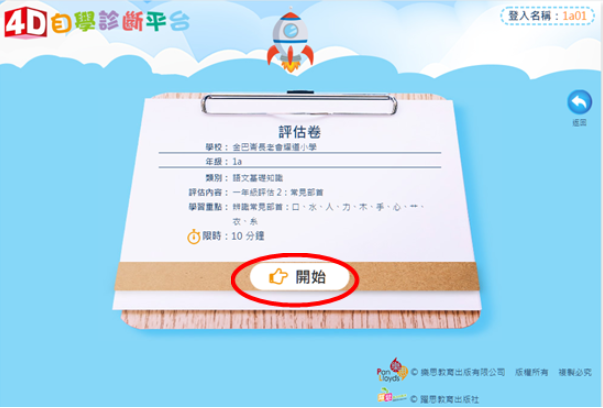
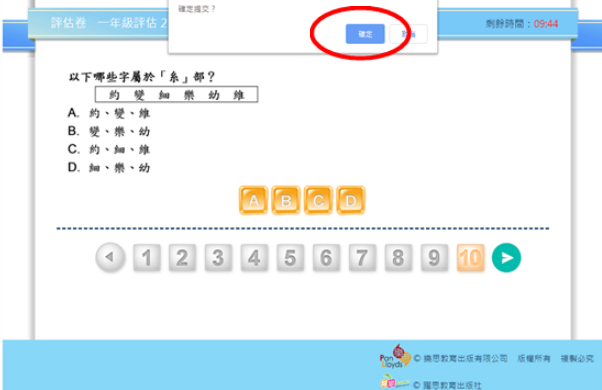
7. After finishing the exercise, click "Confirm" (or "OK") to submit and complete your practice.